
Snappy

Snap any YouTube frame.

Snappy saves the frame you're watching as an image, in one click. Shorts too.

Coming soon to the Chrome Web Store Source code
A YouTube video paused on a frame from Wing It!, with Snappy's shutter button in the player's controls, circled.
Click the shutter in the player, or press Shift+S

Pick your format and size

Save as JPEG, PNG or WebP. Keep the video's own quality, or cap snaps at 4K, 1440p, 1080p or 720p.
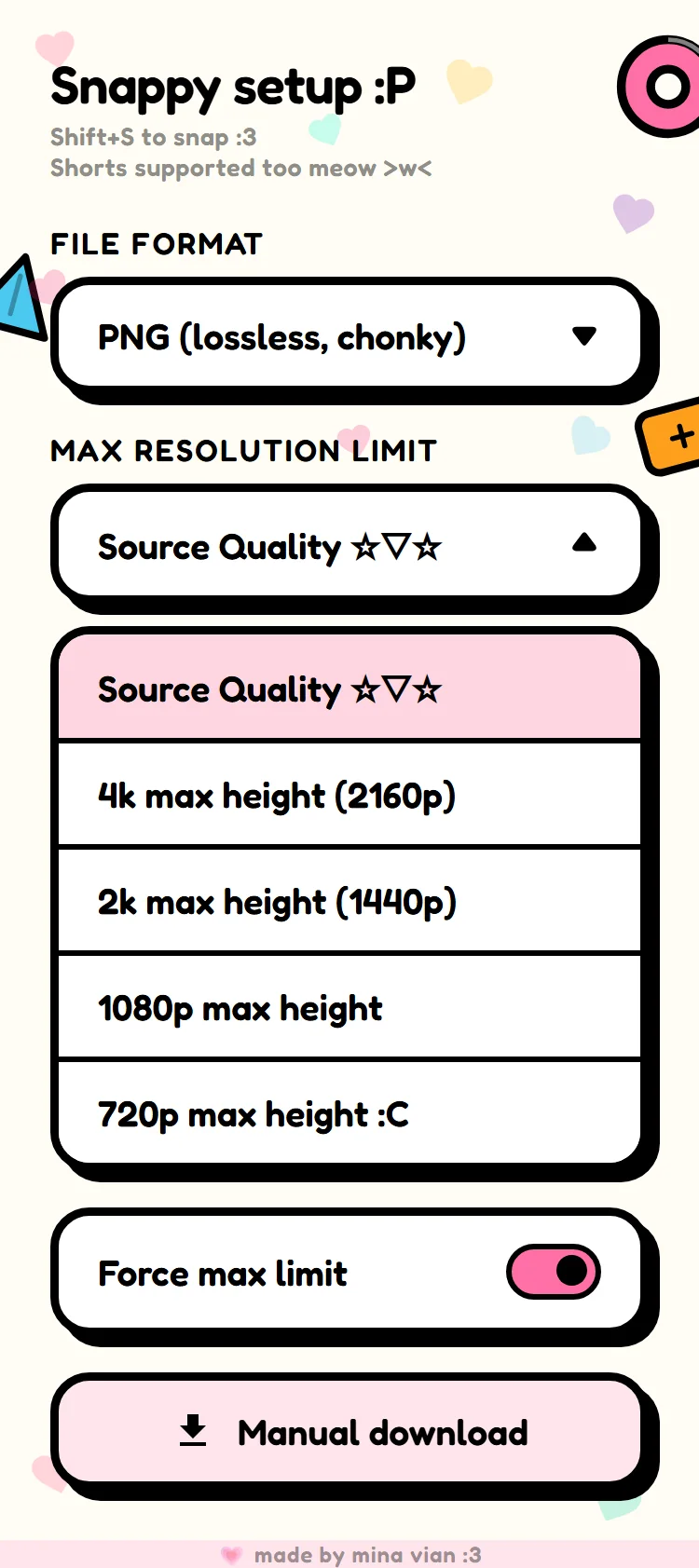
Snappy's popup: file format set to PNG, the resolution list open with Source Quality, 4K, 2K, 1080p and 720p, the Force max limit switch turned on, and a Manual download button.

Sharp, even when you watch in 360p

Turn on Force max limit and Snappy grabs the frame from YouTube's sharpest stream, up to your limit, then puts your quality back.


The 360p stream
A close-up of the frame from the 360p stream, soft and blurry.
Snappy's snap
The same close-up from Snappy's 1080p snap, crisp.

Shorts too

A Snap! button sits with the Shorts buttons, right under Remix. Shift+S works there as well.
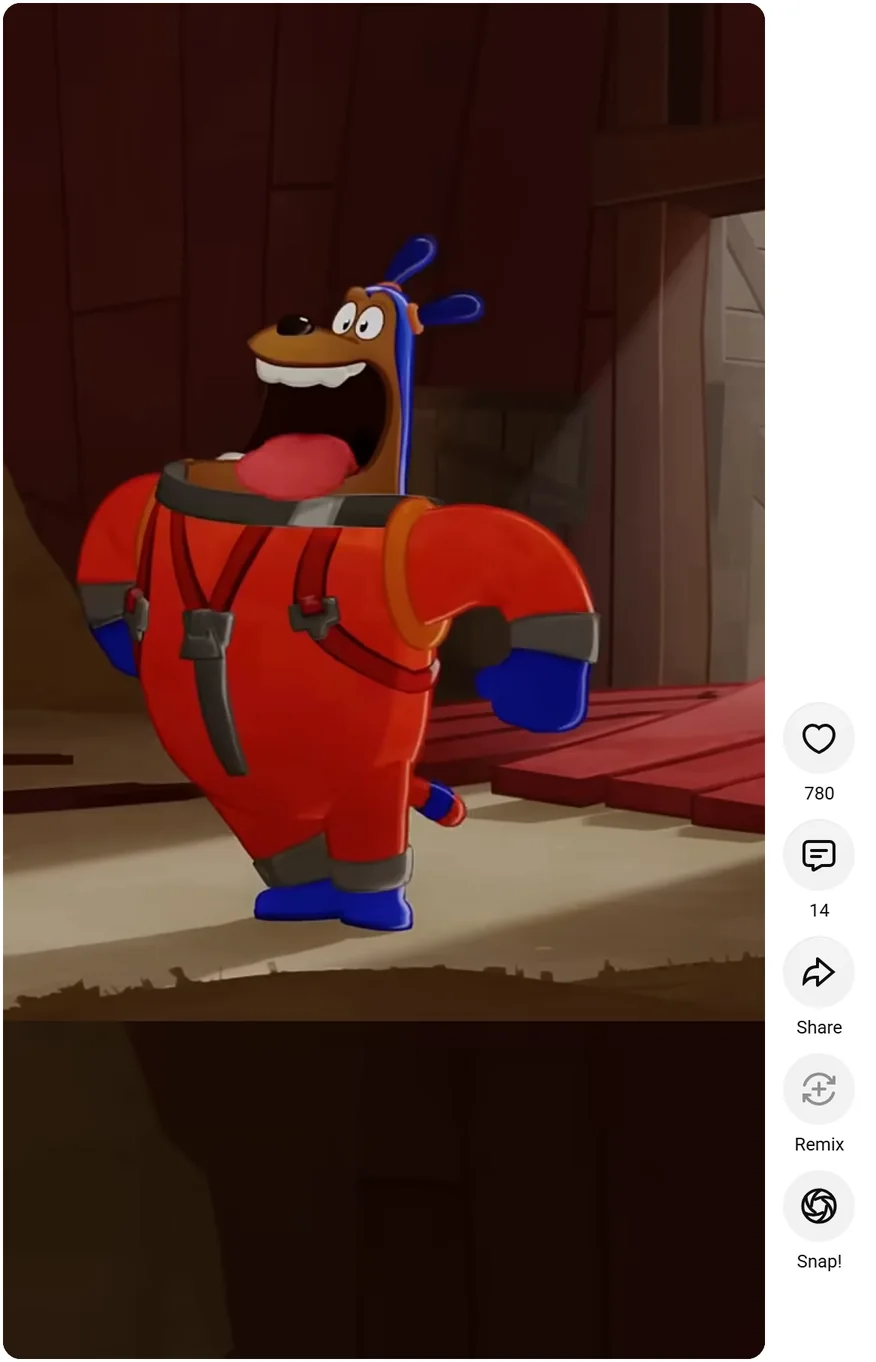
A YouTube Short of Wing It!'s dog, with Snappy's Snap! button under Remix in the Shorts buttons, circled.

Named after the video and the moment

Every snap goes straight to your downloads, with the video's title and the time it was taken.

wing_it____blender_open_movie_0m17s.png 1920 × 1080 PNG, from 0:17 of Wing It!